
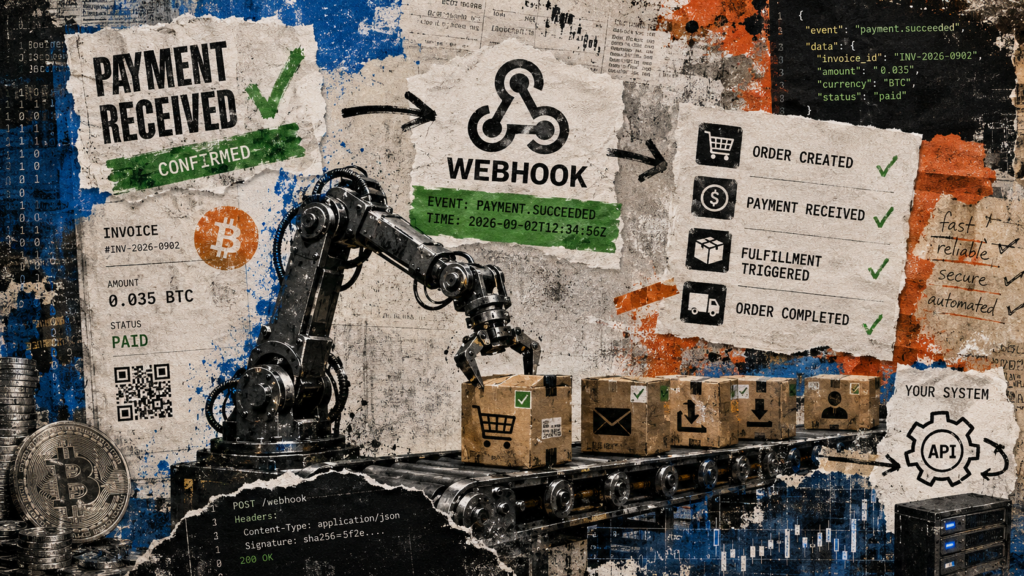
Checking invoice status by hand — refreshing a dashboard, comparing order lists — works for a handful of daily orders and breaks down almost immediately after that. Webhooks (callback URLs) solve this by having the payment gateway notify your system the instant a payment’s status changes, instead of your system having to ask.
How the callback flow works
- When creating an invoice via the API, you include a
callback_urlparameter pointing to an endpoint on your own server. - As soon as a payment is detected, confirmed, or fails, the gateway sends a POST request to that URL with the invoice ID, status code, and amount received.
- Your endpoint reads that payload and updates the order — marking it paid, triggering fulfillment, sending a confirmation email — without any polling.
A typical payload
{
  "status_id": 1,
  "amount_get": "0.00194",
  "order_id": "ORDER-1042"
}
Status codes worth handling explicitly
| Code | Meaning | Recommended action |
|---|---|---|
| -1 | Not confirmed | No action yet — payment detected but awaiting network confirmations |
| 0 | Pending | Show “processing” state to the customer |
| 1 | Complete | Fulfill the order, send receipt |
| 2 | Declined | Notify customer, offer to retry |
| 3 | Cancelled | Release any reserved inventory |
Security basics that are easy to skip
- Validate the invoice ID server-side against your own records before trusting any webhook payload — don’t act purely on the amount reported in the request.
- Use HTTPS endpoints only. Callback data should never travel over an unencrypted connection.
- Make your endpoint idempotent. Networks can occasionally retry a webhook delivery — your handler should safely ignore a duplicate notification for an already-processed order.
Full API reference
NextWay Pay’s API documentation covers invoice creation, manual confirmation, forwarding, and the complete webhook payload spec.